Draw with words.
Describe an idea and turn it into editable vector artwork.
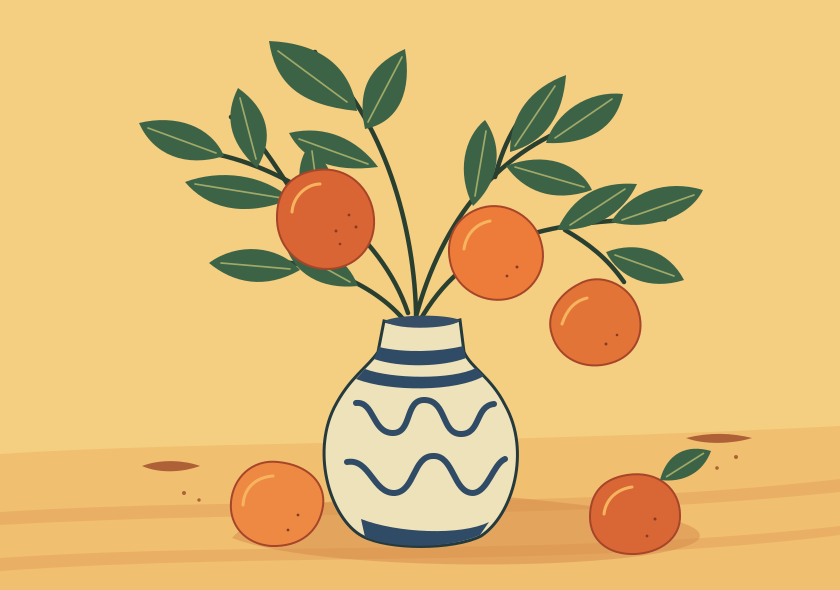
The sample collection
Pick an illustration to start with its prompt.

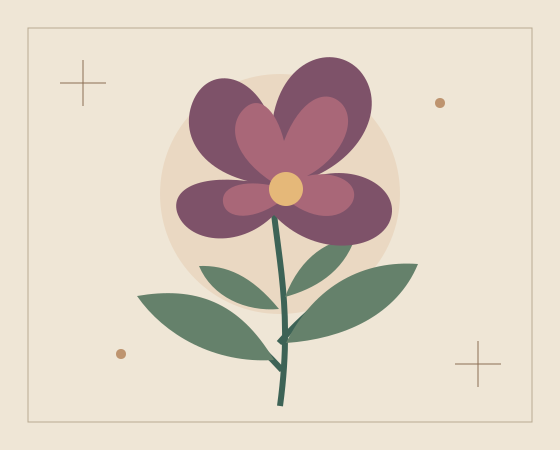


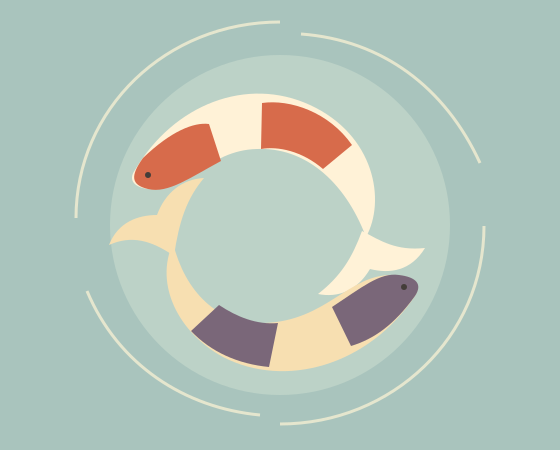
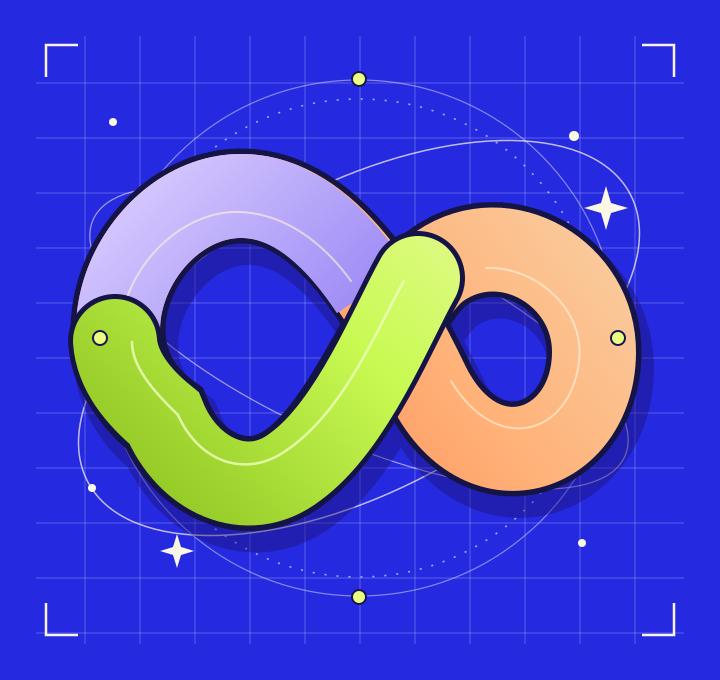
From first idea to final file.
Use the same drawing on a label, a website, or a large poster.
- Describe
- Write a short prompt and choose a style, canvas, or palette.
- Refine
- Recolor supported fills directly in the studio.
- Export
- Download an editable SVG or a PNG at the size you need.
Frequently asked questions
What can I make with Noumelo Vector?
Illustrations, patterns, symbols, icons, posters, decorative artwork, and more. Start with the subject and add any style or composition details you care about.
Can I edit the generated SVG?
Yes. Download the SVG and open it in a compatible vector editor. You can also recolor supported solid fills directly in the studio.
Can I export a PNG?
Yes. Open a completed vector and select a PNG export size. The studio renders the validated SVG at that size.
Will the artwork have a transparent background?
Transparency depends on the artwork returned by the model. Use the result canvas to inspect which areas are actually transparent.
When are credits used?
The studio reserves credits before submitting a generation. It consumes the reservation when the artwork is available and releases it if generation fails.